Arvix Systems blog
Office Relocation IT Checklist Before You Move Teams
Moving offices without an IT checklist creates downtime fast. This guide covers systems, networking, sequencing, and what to prepare before the move.
Moving offices creates technical risk fast
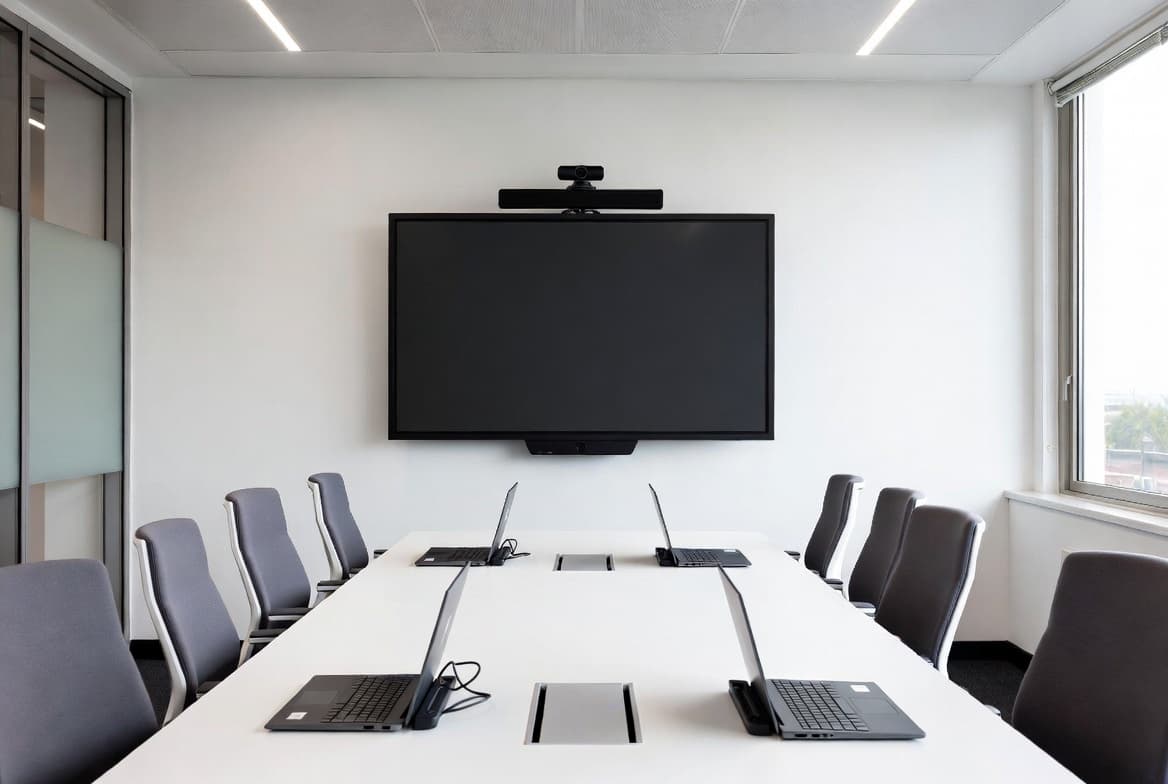
An office move affects every system the team depends on. Desktops, laptops, displays, printers, networking, Wi-Fi, and meeting room devices all need to be ready in the new space without creating long downtime.
Without an office relocation IT checklist, businesses often underestimate how much sequencing matters.
What to prepare before the move
Before a move, businesses should confirm desk plan changes, system counts, network points, internet readiness, printer positions, meeting room equipment, and staged packing for devices and accessories.
That preparation is what allows the new space to become usable quickly instead of turning into a room full of disconnected equipment.
Why coordinated rollout reduces downtime
The best office move IT setup follows a sequence: prepare, label, transport, install, test, and hand over. That process reduces confusion and makes it easier to identify missing or misconfigured items before the team starts work.
Businesses benefit most when relocation planning and setup execution stay connected instead of being split between unrelated vendors.
Plan the next step
If this topic matches your current office build, you can review our office IT services, check client reviews, or go straight to the contact page to scope the rollout.