Arvix Systems blog
Meeting Room Setup For Business: What Actually Matters
A professional meeting room setup is not just a screen on a wall. This guide covers layout, displays, cabling, shared devices, and reliability.
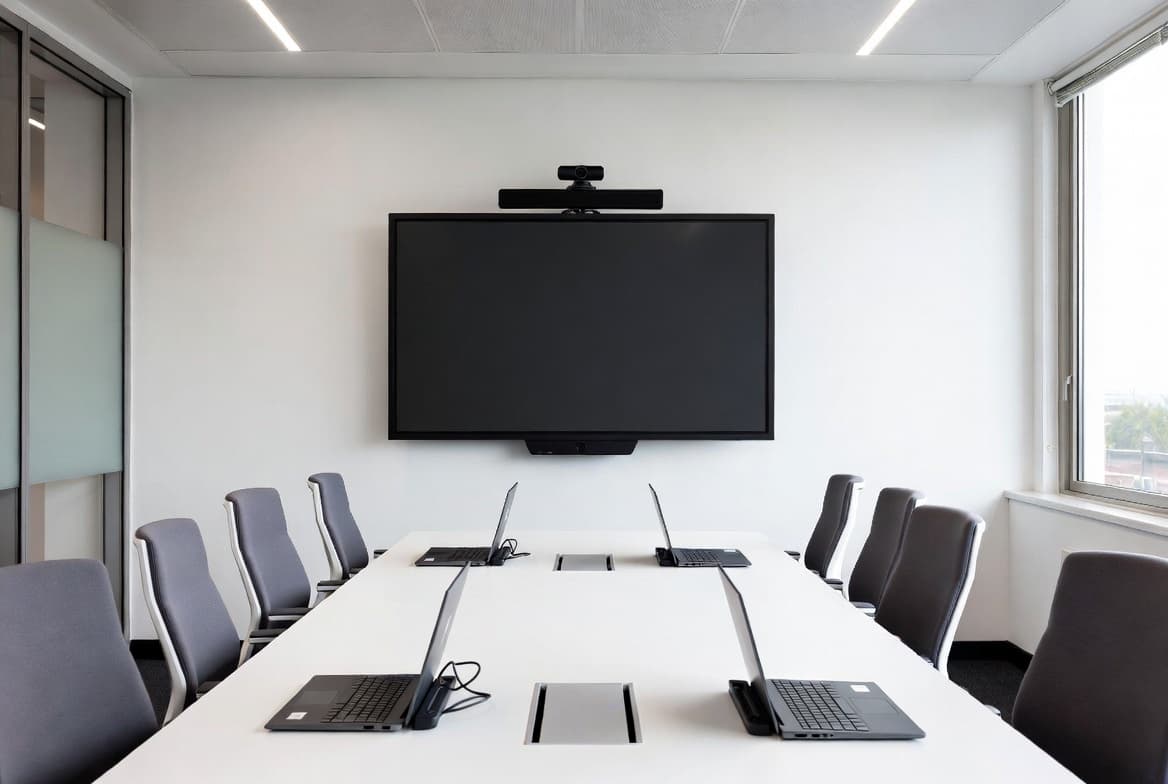
A meeting room has to work every time
Businesses notice meeting room problems quickly because shared spaces fail in front of teams, clients, and leadership. A proper meeting room setup focuses on reliability first: screen visibility, device access, clean cabling, stable connectivity, and simple day-to-day use.
If any of those pieces are weak, the room feels unfinished even when expensive hardware is present.
The right equipment depends on the room, not trends
The best meeting room equipment depends on room size, viewing distance, user count, and how the space is actually used. Small rooms, boardrooms, and shared presentation spaces do not need the same display, accessory, or device mix.
Businesses usually get better results when the room is planned around function instead of buying isolated products based on marketing or retail recommendations.
Shared spaces need cleaner coordination
Meeting rooms sit at the intersection of displays, shared devices, networking, and physical layout. That makes them easy to get wrong when procurement and installation are separated.
A coordinated setup keeps the room simpler: correct hardware, prepared accessories, clean installation, and testing before teams start depending on the space.
Plan the next step
If this topic matches your current office build, you can review our office IT services, check client reviews, or go straight to the contact page to scope the rollout.