Arvix Systems blog
Computer Lab Setup Checklist For Schools And Training Rooms
Planning a computer lab or training room? This checklist covers systems, desk layout, networking, peripherals, power, and deployment order.
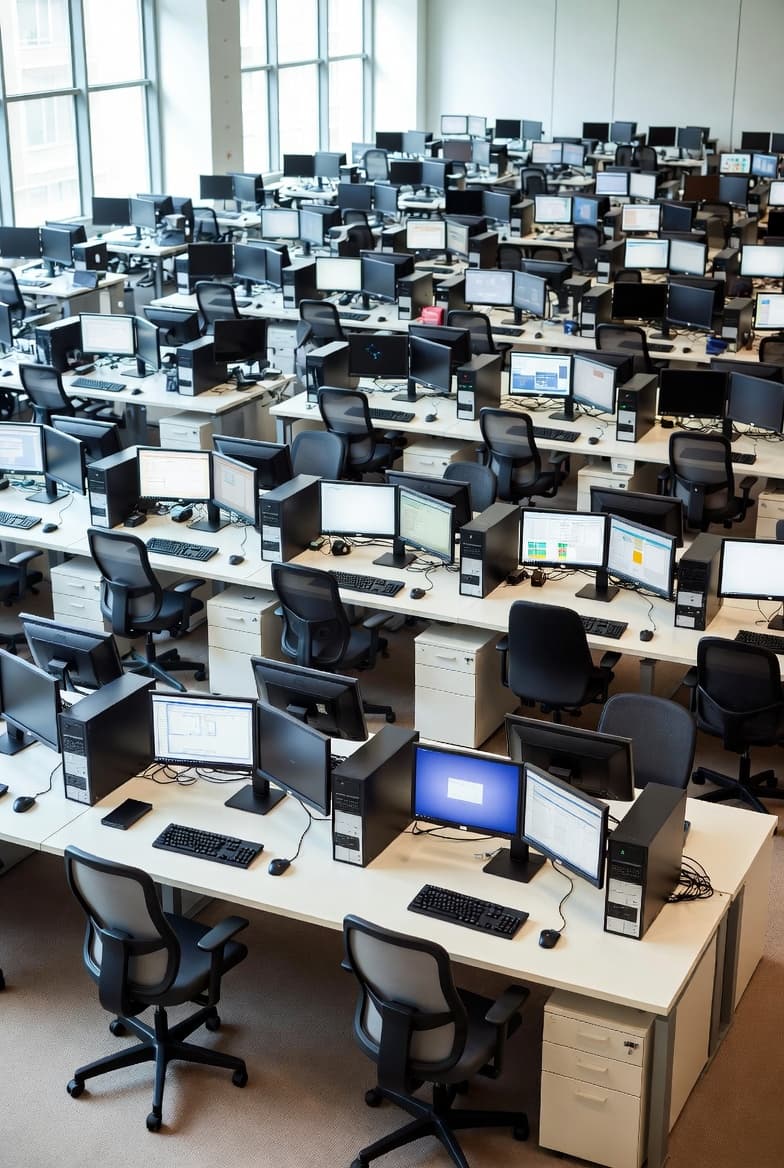
Start with room reality, not just system count
A computer lab setup works best when the room layout is planned before hardware is finalized. Desk rows, monitor depth, cable paths, walking space, cooling, and power access all affect what systems the room can support cleanly.
Many projects go wrong because the discussion starts with a number like twenty systems, but not with how those systems will actually fit, be powered, and be maintained inside the room.
What every computer lab checklist should include
A serious computer lab checklist should cover device type, display size, desk dimensions, networking points, switches, Wi-Fi requirements, printers if needed, user peripherals, power distribution, and staged testing before handover.
If the room supports training or instruction, visibility matters too. Screen positioning, line of sight, instructor area, and cable control all contribute to how usable the space feels after installation.
Why deployment sequence matters
In dense multi-system rooms, deployment order matters almost as much as hardware choice. Systems should be staged, labeled, positioned, tested, and handed over in sequence instead of being dropped into the room all at once.
That approach reduces errors, speeds troubleshooting, and creates a cleaner result for schools, institutes, and training centers that need the room working on day one.
Plan the next step
If this topic matches your current office build, you can review our office IT services, check client reviews, or go straight to the contact page to scope the rollout.